
WORK / 08 / GO CONNECTIVO
LEADFLOW CRM
Enterprise LeadFlow CRM built for high-volume sales and dialer teams, centralizing campaign routing, lead assignments, real-time dialer sales tracking, and reCAPTCHA-protected agent access.
These views feature live captures from LeadFlow CRM across the Manager Dashboard and secure Balitech CRM sign-in gateway.
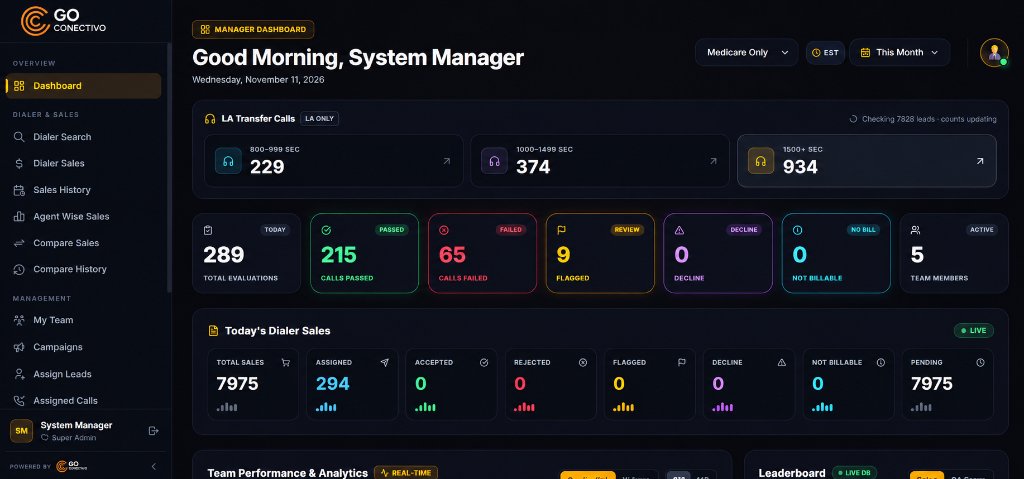
Dialer Search, Lead Assignment & Sales
Real-time visibility into transfer calls, agent-wise sales comparisons, accepted or flagged dispositions, campaign filters, and assigned call queues across floor teams.
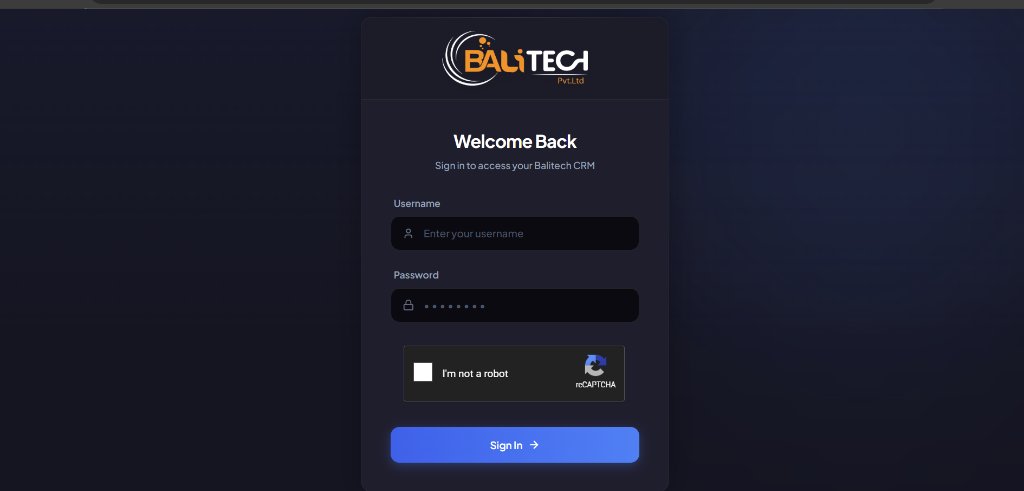
reCAPTCHA-Protected CRM Access
Clean role-gated entry portal protecting internal lead inventories, campaign pipelines, and agent workspaces with credential and reCAPTCHA verification.
01 / PLATFORM CAPABILITIES
WHAT WE
CONNECTED.
- Dialer search, dialer sales, and full sales history tracking
- Lead assignment queues, campaign allocation, and assigned calls management
- Agent-wise sales analytics and comparative performance views
- Role-based CRM sign-in gateway protected with reCAPTCHA verification
02 / EXECUTION & VISIBILITY
BUILT WITH
INTENT.
Give supervisors and sales teams one unified CRM workspace to assign leads, monitor transfer calls across Medicare campaigns, and track accepted, flagged, or pending sales in real time.
Build a custom CRM ↗